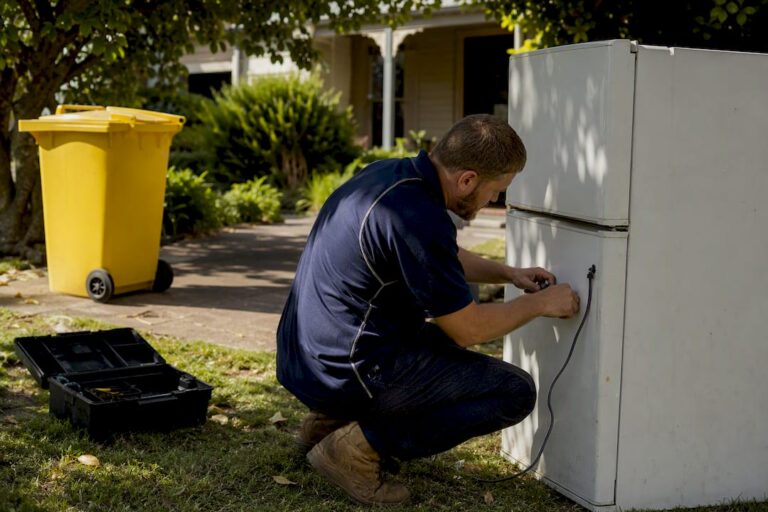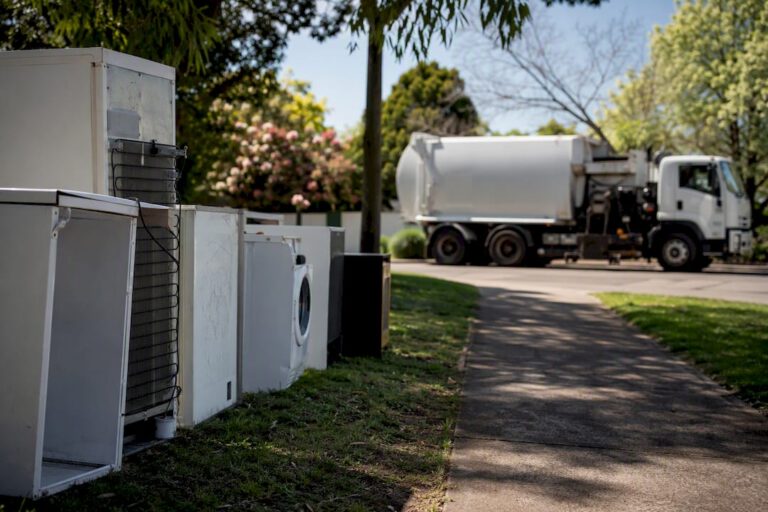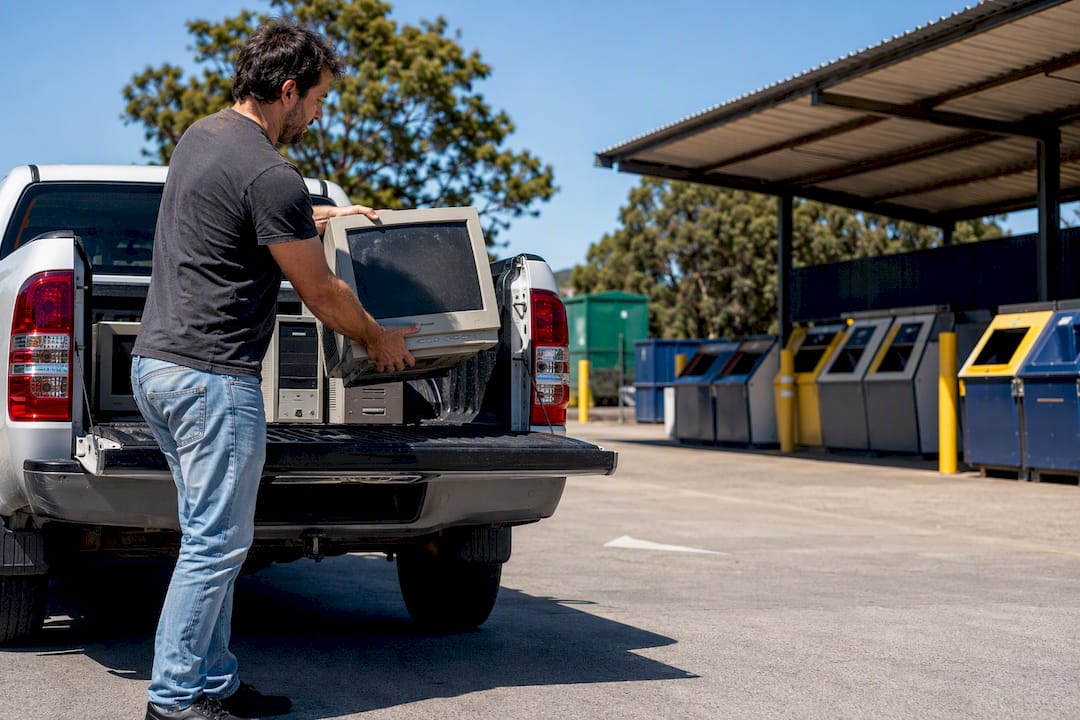
Your first move is an authorised drop-off point under the National Television and Computer Recycling Scheme, since most household drop-offs there are free. Monitors can never go in your kerbside bin. If you’re clearing several units, a heavy CRT, or an office full of old screens, book a professional collection instead of hunting for a drop-off slot.
TL;DR:
- Most household monitors can be recycled free of charge at authorised drop-off points under the NTCRS, but CRTs may require special handling or professional collection.
- Confirm acceptance, volume limits, and operating hours beforehand by calling or searching directories like RecyclingNearYou or Recycle Mate to avoid wasted trips.
- Retailers like Officeworks reliably accept computers and monitors for recycling, but participation at Bunnings varies by store and program, so calling ahead is advised.
- Proper preparation of monitors involves detaching cables, emptying storage devices, wrapping screens, and labeling CRTs as fragile and hazardous to ensure safe transit.
- For large or heavy loads, multiple monitors, or time-constrained situations, professional collection services handle transport and ensure disposal at accredited facilities.
Table of Contents
- What does the National Television and Computer Recycling Scheme (NTCRS) cover?
- Can you drop monitors at a shop or council centre?
- How do you prepare a monitor for recycling?
- Why do CRT monitors need special handling?
- When should you book a professional monitor collection?
- What does monitor disposal cost and how long does it take?
- How do you check a disposal point before you go?
- Want a booked collection instead of chasing drop-off points?
- Where can you find more on monitor recycling?
- Sources
What does the National Television and Computer Recycling Scheme (NTCRS) cover?
The NTCRS is an industry-funded scheme launched in 2011, built on the idea that the companies making televisions and computers should also pay for what happens when those products die. That’s why household drop-off is commonly free: the cost is baked into the scheme’s funding model, not passed on to the person standing at the counter with a dead monitor under their arm.
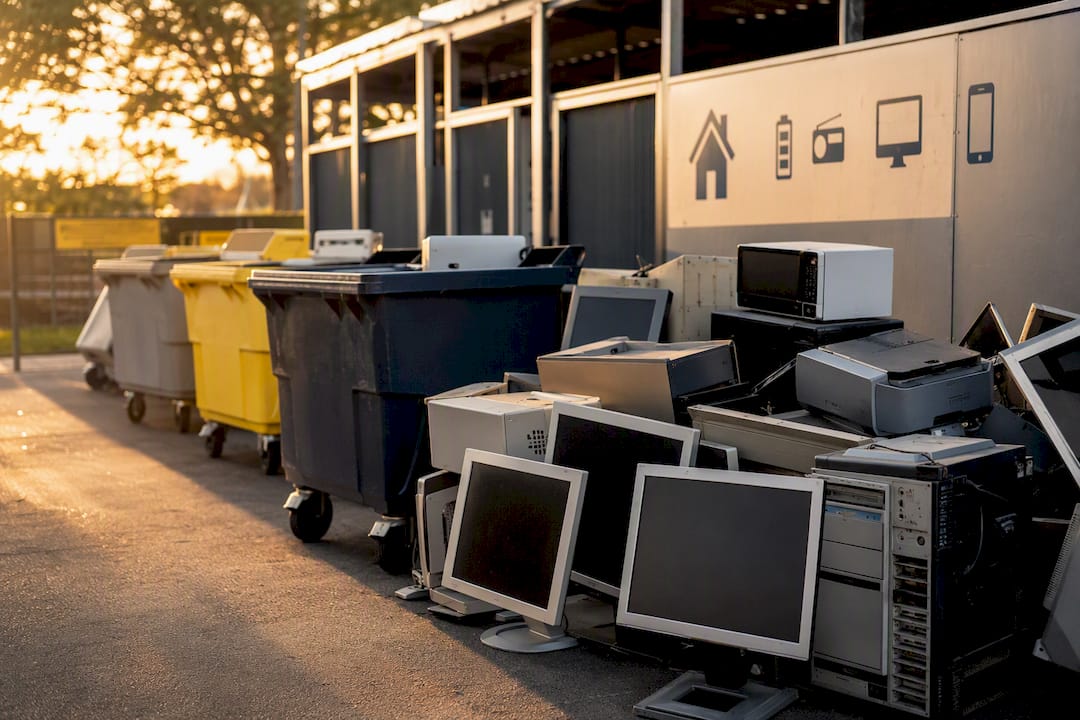
Flat-screen monitors, laptops, computer accessories, and older CRT units all sit within the scheme’s accepted categories, but what a specific recycler will physically take on the day can vary. Some sites cap the number of units per visit. Others won’t touch CRTs because of the extra handling they require. RecyclingNearYou lists monitors, screens and computer accessories among items accepted at NTCRS points, and it’s blunt about one thing: never put a computer or monitor in your household recycling or general waste bin.
Finding an authorised point is straightforward, but confirming it before you drive there saves a wasted trip.
- Search directories like Recycle Mate or RecyclingNearYou by postcode rather than relying on a generic council list.
- Ring ahead and ask specifically about monitors, not just “electronics”, since some sites split accepted item types.
- Ask about volume limits if you’ve got more than one or two units.
- Check whether the site takes CRTs, or whether that unit needs a different destination entirely.
- Note the site’s operating hours. Many authorised points run limited days, not a standard retail week.
That five-minute phone call is the difference between a wasted afternoon and a clean drop-off.
Can you drop monitors at a shop or council centre?
Council resource recovery centres and transfer stations are the other reliable, low-cost route, and for most residents they’re free or close to it. These sites are built for exactly this kind of waste, and staff know how to route a monitor into the right stream rather than letting it end up in general landfill.
Retail take-back adds a second layer of convenience. Officeworks has a long-running record of accepting computers and monitors at many of its stores, which makes it a genuine option if you’re already heading there for something else. Bunnings is a different story: some stores have participated in programs like Unplug ‘N’ Drop for small e-waste, but participation depends entirely on the individual store and what’s running locally at the time. Don’t assume. Call first.
Community and council e-waste events fill the gap when there’s no permanent site nearby. These pop-up collection days are usually advertised on council websites weeks in advance and often accept a wider range of items than a standard drop-off point, including larger household electronics.
- Council transfer stations: usually free for residents, but check posted hours before you load the car.
- Officeworks: broadly reliable for computers and monitors, though not every store stocks the same recycling bins.
- Bunnings: hit-or-miss by location and program, always confirm by phone.
- Council e-waste events: ideal for occasional larger clean-outs, but only run on set dates.
How do you prepare a monitor for recycling?
A monitor that’s been prepped properly moves through drop-off or collection in minutes. One that hasn’t creates delays, and in a worst case, a data risk you didn’t need to take.
- Detach every cable, power cord, and adapter, then bag or label them together so nothing gets lost or left behind.
- Wipe or physically remove any storage drive if the monitor has embedded smart features or a built-in device; for anything holding sensitive data, ask the recycler about a data-destruction certificate.
- Locate any removable battery. Take it to a dedicated battery collection point rather than dropping it in with general e-waste, since most standard drop-offs aren’t set up to handle loose batteries safely.
- Wrap the screen to prevent cracking in transit, and immobilise any moving stand or bracket with tape.
- If it’s a CRT, tape the glass panel and label it clearly as fragile and hazardous before it leaves your hands.
Pro Tip: Keep a photo of the monitor’s serial number and drop-off confirmation on your phone. If you ever need proof of lawful disposal, for insurance, a workplace audit, or a strata record, that photo is faster than digging through old emails.
Why do CRT monitors need special handling?
CRT screens contain lead and other materials that make them genuinely hazardous, not just old-fashioned. That’s the core reason CRT disposal is treated differently from a slim LCD monitor: the lead content, combined with the glass tube’s weight and fragility, turns a simple drop-off into something that needs careful handling from start to finish.
They’re heavier than they look, and a cracked tube isn’t just a mess. It’s a potential exposure risk. This is why plenty of retail drop-off points won’t take them at all, and why council transfer stations or specialised reprocessors are usually the safer bet for anyone still holding onto an old CRT monitor or television.
- Never leave a CRT on the kerb, even bagged. E-waste is banned from landfill in states such as Victoria and South Australia, and kerbside collection isn’t equipped to handle the lead content safely.
- If your nearest drop-off point doesn’t list CRTs as accepted, call before you load it into the car.
- Fire and contamination risk from lead and, in some devices, embedded batteries is the practical reason several states have pushed e-waste out of general kerbside pickup altogether.
- When in doubt, a council enquiry line or a professional removal service will tell you exactly where it needs to go.
When should you book a professional monitor collection?
Drop-off works well for one or two lightweight monitors and a free afternoon. It stops working the moment you’ve got a stack of ten screens from an office fit-out, a CRT that weighs more than you expected, or simply no time to chase down opening hours across three different sites.
That’s the point where a booked collection earns its cost. Professional removal is often the better call for bulky or hazardous loads because drop-off points are designed around small household quantities, not a full office clear-out. A removal team can lift and transport heavy CRTs safely, combine a mixed load of monitors with other e-waste in one trip, and route everything to an accredited reprocessor rather than leaving you to work out where each item belongs.
Situations that tip toward professional collection:
- Multiple monitors from an office relocation or upgrade.
- Heavy or numerous CRT units that are impractical to transport yourself.
- Limited mobility, no vehicle, or simply no spare time in the week.
- A need for documented, compliant disposal, useful for strata records or business waste obligations.
Melbournecityrubbish books collections across residential and commercial jobs, and its carbon-neutral disposal option is worth asking about if sustainability credentials matter for your household or workplace. One useful pattern to remember: for most households, a single drop-off visit genuinely solves the problem. Professional removal becomes the practical choice once scale, weight, or time make that single trip impractical.
What does monitor disposal cost and how long does it take?
Cost and timing come down to volume. A single monitor through an NTCRS drop-off is usually free, though sites can cap how many units they’ll take per visit, so a household with three or four old screens should call ahead rather than assume.
Bulk loads and business clear-outs are a different equation. Multiple units, office quantities, or anything requiring a scheduled truck typically attracts a fee, priced against volume and access.
- Local drop-off: same day, provided the site is open and under its stated limits.
- Community e-waste events: fixed dates, so timing depends on the council calendar.
- Professional collection: usually booked within a few days to two weeks depending on demand and your preferred date.
- For any sizeable job, ask for a written quote up front and request a disposal receipt once the job’s done, particularly if you need proof for a workplace or strata record.
How do you check a disposal point before you go?
Skip the guesswork and use a directory built for this exact job. Recycle Mate and RecyclingNearYou are maintained specifically to help people find nearby e-waste and battery drop-off points, and both let you search by postcode rather than trawling council PDFs.
Before you drive anywhere or lock in a booking, run through this quick checklist:
- Confirm the site accepts monitors specifically, not just “electronics” in general.
- Ask about volume limits if you’re bringing more than one unit.
- Check whether any fees apply, especially for CRTs or bulk quantities.
- Note the opening hours and whether bookings are required.
- Ask about data-destruction options if the device holds sensitive information.
- Request a receipt or confirmation, and keep it somewhere you can find it later.
Want a booked collection instead of chasing drop-off points?
There’s a real gap between the theory of “just take it to a drop-off point” and the reality of a garage full of old monitors, a heavy CRT nobody wants to lift, or a small office trying to clear a room before Monday. Drop-off suits one or two lightweight screens. It doesn’t suit volume, weight, or a tight deadline.

Melbournecityrubbish handles exactly that gap for residential and commercial jobs across Melbourne, including electronic waste like old monitors, CRTs, and full office setups. Book a collection and the team lifts, transports, and routes the load to appropriate reprocessing, with a carbon-neutral disposal option if that matters to your household or business. Requesting a quote is simple: describe what you’re clearing, including quantity and whether any units are CRTs, and you’ll get pricing back with no obligation, plus Melbournecityrubbish’s promise to beat any written quote by 5%.
Choose this route when you’ve got more than a couple of monitors, a CRT that’s too heavy to move safely, or simply no time to ring around drop-off points during business hours. If you’re managing a larger office or building clear-out, the strata rubbish removal service covers multi-unit jobs, and the guide to choosing a rubbish removal service is worth a read if you’re comparing providers. For clearances tied to a broader renovation, see how managing renovation waste fits alongside e-waste removal, and if the clear-out includes a property preparation angle, ValueMax’s Melbourne property valuers can help with that side of the project. Get a quote through Melbournecityrubbish and lock in a collection date that suits your week.
Where can you find more on monitor recycling?
For scheme details and accepted items, check the Griffith University overview of the NTCRS and DCCEEW’s recycling drop-off guidance. Always confirm accepted items and hours with your council or chosen site before you turn up.
Sources
- EPA South Australia — landfill bans and recycling options
- Griffith University repository — overview of the NTCRS
- Department of Climate Change, Energy, the Environment and Water — recycling drop-off guidance
- City of West Torrens — electronic and electrical waste guidance
- RecyclingNearYou — recycling computers & accessories