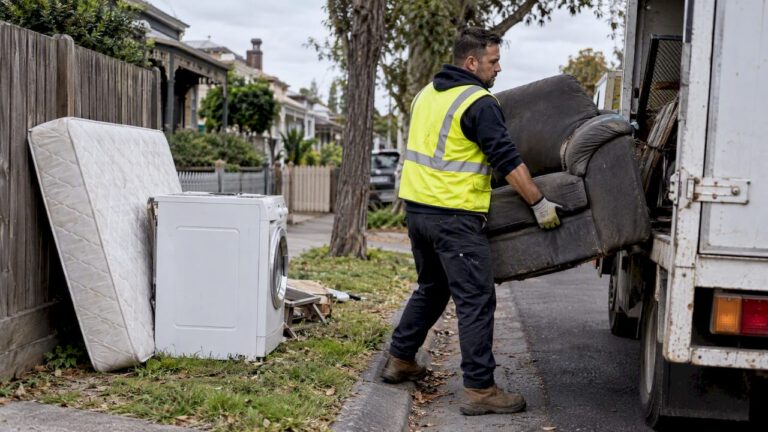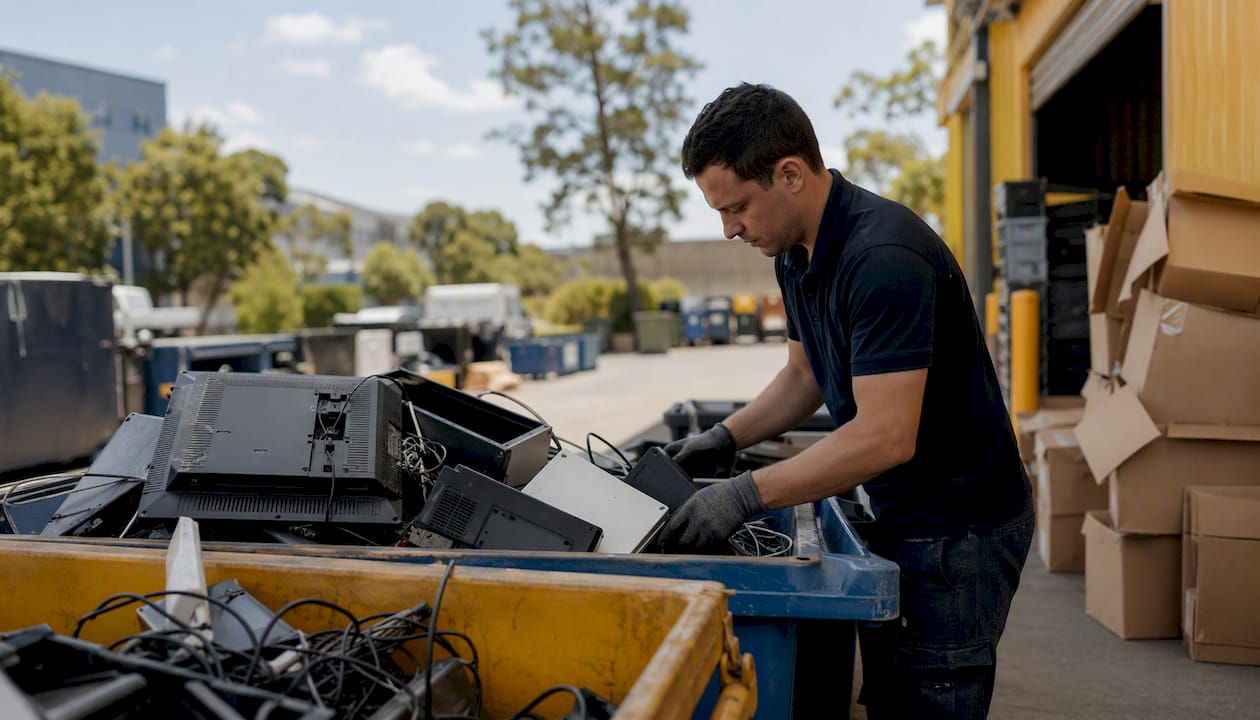
If you’ve got old computers, monitors or phones piling up in a storeroom, act on volume: small quantities go to a National Television and Computer Recycling Scheme (NTCRS) collection point or a MobileMuster drop-off for phones, larger volumes need a licensed commercial collection, and anything you’re unsure about starts with a locator search.
- Small batch (a few laptops, an old printer)? Drop it at an NTCRS point or council collection event, free of charge.
- Large volume or data-sensitive gear (server room clear-out, office relocation)? Book a licensed collector who can supply destruction certificates.
- Not sure where to start? Search Recycle Mate or RecyclingNearYou to find your nearest option.
Key Takeaways
Businesses that document data destruction, use licensed collectors for priority e-waste, and match disposal routes to volume avoid both compliance risk and unnecessary cost.
| Point | Details |
|---|---|
| Match route to volume | Small batches go to NTCRS or council drop-offs free; bulk volumes need a licensed commercial collection. |
| Separate the batteries | Isolate battery terminals or use a dedicated battery stream to cut fire risk during transport. |
| Demand proof of destruction | Request a serialised Certificate of Destruction for any data-bearing device, not just a factory reset. |
| Check licensing before booking | Confirm transporter and recycler permits, since business e-waste is often classed as priority waste. |
| Book Melbournecityrubbish for compliant pickup | Offers licensed collection, recycling receipts and carbon-neutral disposal for Melbourne offices. |
Table of Contents
- What items count as office electronics recycling
- How does office e-waste recycling actually work?
- Where can businesses take office electronics for recycling?
- How should businesses prepare devices before recycling?
- What are the legal obligations for commercial e-waste disposal?
- What mistakes put businesses at risk when recycling e-waste?
- How do you find a drop-off point or book a collection?
- Get office electronics picked up without the compliance headache
- Frequently asked questions
- Sources
What items count as office electronics recycling
Before you sort anything, know what actually qualifies. Office e-waste covers more than the obvious desktop tower.
- Desktop PCs, laptops and tablets
- Monitors, projectors and screens
- Printers, scanners and multifunction devices
- Servers, switches and networking hardware
- Office phones, mobile handsets and chargers
- Batteries and UPS (uninterruptible power supply) units
- Cables, USB drives and power supplies
- Small appliances and whitegoods (kitchen fridges, microwaves) if the office has a kitchenette
Loose batteries and devices with embedded batteries are a genuine fire risk in general waste and recycling trucks. Power packs, laptop batteries and UPS units need separate handling, not a spot in the same bin as cables and chargers.
Computers, televisions and most peripherals fall under NTCRS coverage. Networking gear, whitegoods and some appliances often sit outside the scheme and need a specialist recycler instead. Chargers and USB drives are the items most offices forget entirely, and they’re just as recyclable as the machines they came with.
How does office e-waste recycling actually work?
Australia’s main system for household and small business electronics is the NTCRS, a producer funded scheme that shifts collection costs onto the manufacturers and importers who put the gear on the market in the first place. It operates under the Recycling and Waste Reduction Act 2020 as a co-regulatory arrangement, meaning industry bodies run day to day collection and reporting while the federal government sets the rules.
The scheme covers computers, televisions, printers and peripherals, and it’s free for householders and small businesses using eligible collection points, with roughly 98 percent of the population able to access a service. That’s the deal worth knowing if you’re running a small office: you’re not paying to responsibly retire that ageing fleet of desktops.
Mobile phones and accessories run through a separate program, MobileMuster, which operates on the same product stewardship principle. It’s specifically built for handsets, batteries and chargers, and it exists alongside NTCRS rather than overlapping with it.
State regulation adds another layer on top of these schemes. Businesses generating e-waste, especially in larger volumes, may face licensing requirements for whoever transports or processes that waste. To find a local option under any of these programs:
- Search Recycle Mate for a location based collection point
- Check Planet Ark’s RecyclingNearYou database for drop-off sites and events
- Look up NTCRS provider lists for scheme accredited collectors near you
Where can businesses take office electronics for recycling?
Your options depend heavily on how much gear you’re dealing with and what it is.
- NTCRS collection points: Free for eligible small businesses and households, but usually capped to scheme covered items like computers and monitors.
- Council drop-off events: Many councils run periodic e-waste collection days, often free, though schedules vary by area.
- Retailer take-back, such as Officeworks in-store recycling boxes for smaller items like cables, batteries and old phones.
- Accredited collectors and specialist e-waste recyclers: Best for bulk pickups, server rooms, networking equipment or anything outside standard scheme coverage.
Larger businesses often get charged once volume climbs past what a free drop-off point can handle, or when the gear falls outside NTCRS categories entirely — in these cases, computer monitor disposal services can provide a safe and compliant solution for screen equipment. That’s also when a booked collection starts making more sense than driving multiple carloads to a council event, particularly during office relocations, end-of-lease clean-outs or when retiring a batch of assets at once. A specialist collector picking up 40 monitors and a server rack in one visit beats three separate trips to a drop-off bin.
How should businesses prepare devices before recycling?
Getting devices ready for collection isn’t just about tidiness. It’s where data security and safety actually happen.
- Audit and inventory every device slated for disposal, including serial numbers where practical.
- Back up any data still needed before the device leaves your hands.
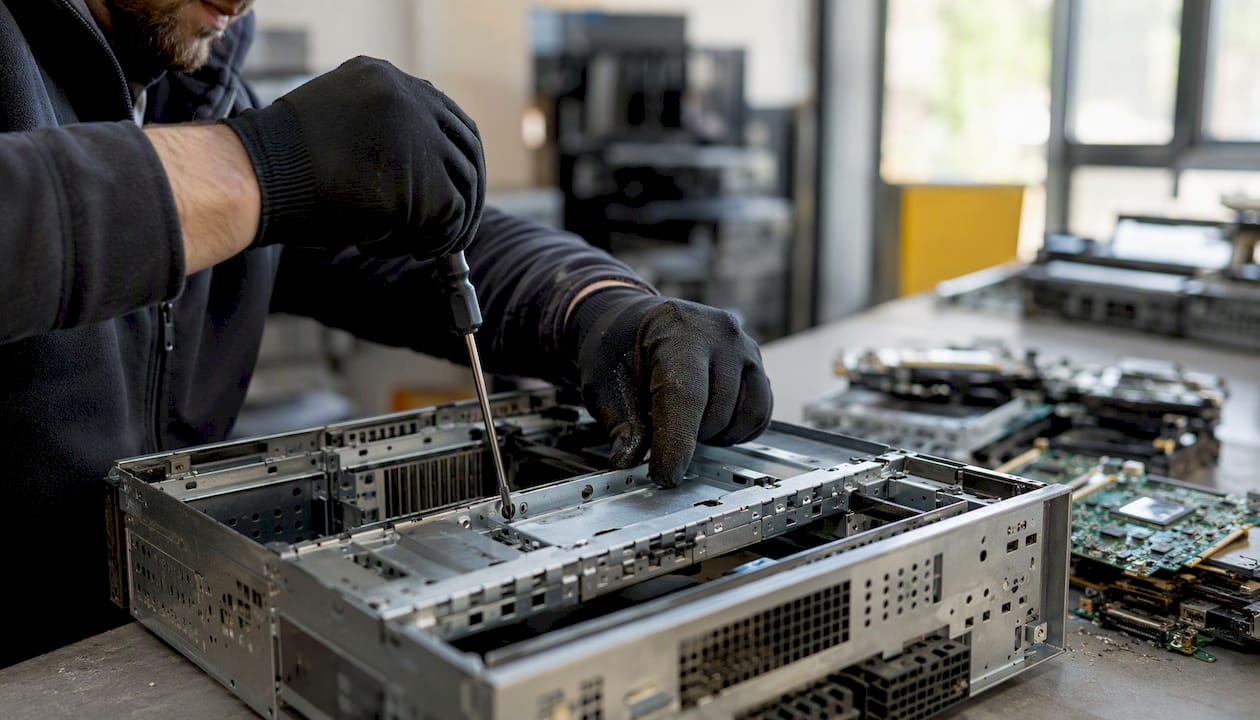
- Remove storage media such as hard drives, SSDs or memory cards wherever it’s feasible to do so separately.
- Arrange certified sanitisation or physical destruction for anything holding sensitive business or customer information. A factory reset alone is often insufficient for genuine data protection compliance.
- Isolate and tape battery terminals, or send batteries through a separate battery collection stream, to cut fire risk during transport and storage.
Pro Tip: Ask your recycler which sanitisation standard they follow. NIST 800-88 is the industry benchmark for data destruction, and a collector who can’t name a standard probably isn’t following one.
Request a Certificate of Destruction or Recycling for every batch of data-bearing equipment you hand over. It’s the paper trail that protects you if a client or regulator ever asks what happened to that old server.
What are the legal obligations for commercial e-waste disposal?
Once you’re disposing of e-waste at business scale, this stops being a housekeeping task and becomes a compliance one. Many state regulators, including Victoria’s EPA, classify most business e-waste as priority waste, which creates a duty of care requiring generators to use licensed transporters and authorised recycling facilities. Getting this wrong isn’t a minor slip. Western Australia’s e-waste to landfill ban, phased in from 1 July 2024, sets out regulated e-waste categories under AS 5377:2022 and attaches real penalties for non-compliance.
Before you hire a collector, run through a short checklist:
- Confirm licence or permit details for transport and processing
- Check insurance coverage for the collection
- Ask for data-destruction certificates on data-bearing equipment
- Request a waste transfer note and final recycling receipt
| Documentation | Why it matters |
|---|---|
| Licence and permit check | Confirms the transporter and recycler are legally authorised to handle e-waste. |
| Certificate of Destruction | Proves sensitive data was sanitised or destroyed to a recognised standard. |
| Waste transfer note | Records the chain of custody from your premises to final processing. |
| Annual reporting fields | Weight, processing type and destination reduce audit risk for larger organisations. |
Understanding Melbourne businesses’ waste regulations obligations is worth doing before you sign anything with a collector, not after. Collection to final processing typically runs a few days to a few weeks depending on volume and the recycler’s schedule, and keeping transfer notes and certificates on file for several years is standard practice for audit purposes.
What mistakes put businesses at risk when recycling e-waste?
A few habits cause most of the trouble.
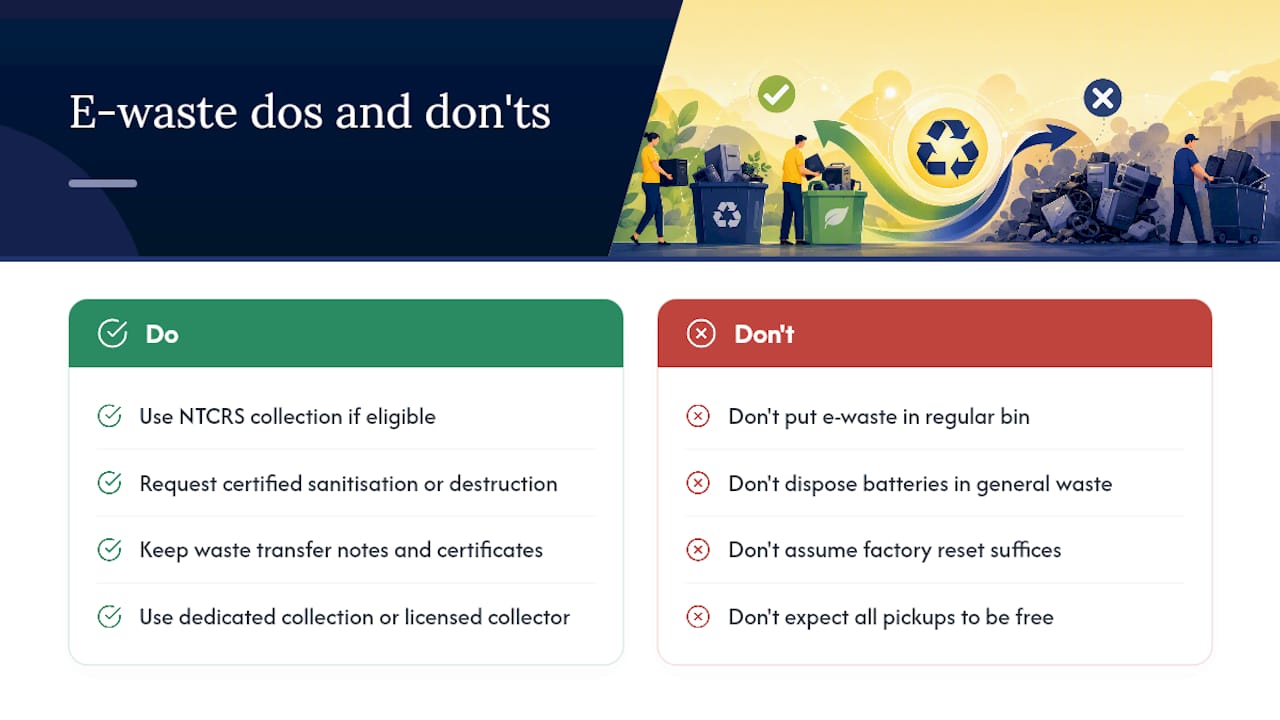
- Don’t put e-waste in kerbside general waste or recycling bins.
- Don’t hand over data-bearing devices without a destruction certificate.
- Don’t use an unlicensed collector, even if they’re cheaper.
- Don’t mix batteries in with general electronics or waste streams.
Watch for red flags: a recycler who won’t provide licence details, can’t produce certificates, gives vague answers about where your gear actually ends up, or refuses an audit trail. Improper disposal risks both environmental contamination from leached materials and genuine fire hazards from damaged batteries.
How do you find a drop-off point or book a collection?
Start with the locator tools built for this exact job.
- Recycle Mate and Planet Ark’s RecyclingNearYou cover most council and scheme drop-off points nationally.
- Check your council’s website directly for upcoming e-waste collection event dates.
- Before booking a commercial pickup, confirm the provider’s licence and certificate offering over the phone.
Get office electronics picked up without the compliance headache
Sorting scheme eligibility, chasing certificates and finding a licensed transporter takes time most facility managers don’t have. Melbournecityrubbish collects office electronics across Melbourne, including CBD and South Melbourne, Port Melbourne and West Melbourne, and hands you the paperwork that actually matters: recycling receipts, waste transfer notes and data-destruction documentation for compliance records. Collections run on licensed transport, with carbon-neutral disposal available for businesses that want it factored in.
If you’re weighing up providers, our guide on choosing a rubbish removal service covers the exact licence and insurance checks worth running before you book anyone. For office strip-outs or larger clearances involving multiple asset types, see how we handle large-volume waste removals. Ready to move the old fleet out? Get a quote from Melbournecityrubbish and have it collected on a schedule that suits your business, not the other way around.
Frequently asked questions
Is office electronics recycling free for small businesses?
Yes, in most cases. NTCRS collection services are free for eligible small businesses and householders using covered items like computers, monitors and printers. Larger volumes or non-scheme items may attract a charge.
What counts as office e-waste?
Desktop computers, laptops, monitors, printers, servers, networking equipment, phones, batteries, cables and UPS units all count. Some kitchenette appliances in offices count too.
Do I need a Certificate of Destruction for old computers?
For any device holding sensitive business or customer data, yes. A factory reset alone often doesn’t meet data-protection obligations, so request certified sanitisation or physical destruction with a serialised certificate.
Can I put old electronics in the regular office bin?
No. E-waste shouldn’t go in kerbside general waste or recycling bins. Batteries especially pose a fire risk and need separate handling through a dedicated collection point or licensed collector.
How long does commercial e-waste collection take from booking to disposal?
It varies by volume and provider, but collection to final processing typically takes a few days to a few weeks. Keep your waste transfer notes and certificates on file well beyond that for audit purposes.
Sources
- Epa
- National Television and Computer Recycling Scheme – roles and responsibilities – DCCEEW
- E-waste to landfill ban in Western Australia
- E‑waste laws and regulations — eWaste Victoria