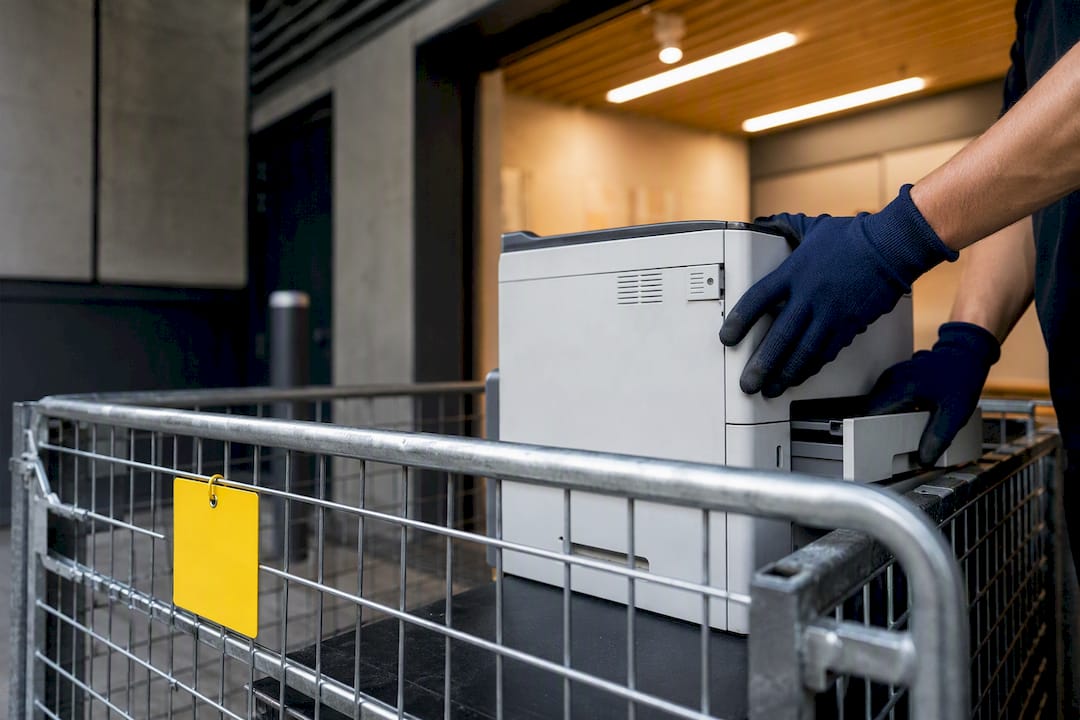
For most small offices, NTCRS or TechCollect free drop-off handles a single old printer, while retailer take-back and council resource recovery cover the rest. Fleets, leased units, or anything holding sensitive data need a booked professional collection or certified ITAD provider instead. Before any of that, wipe or secure the printer’s data. Modern multifunction devices store far more than most managers realise.
TL;DR:
- Small offices can use free drop-off programs like NTCRS or TechCollect for a single, functional printer with low data risk, often on the same day.
- Properly preparing a printer for disposal requires removing external media, performing a factory reset, checking for stored credentials, and destroying internal drives if needed.
- Certified IT asset disposal is necessary for large quantities, leased units, or devices holding sensitive data, providing chain-of-custody and certification that standard drop-off cannot offer.
- Donated or refurbished printers must be tested, fully wiped, and assessed for firmware security, with safer options including charities or known resellers over unknown buyers.
- Recycling is the last resort for broken or unsafe devices, while scheduled professional collection simplifies bulk office refreshes and ensures compliance with strict waste regulations.
Table of Contents
- Which office printer disposal option suits your situation?
- How do you prepare a printer for disposal?
- Where can you take or arrange collection for an old printer?
- Should you donate, refurbish, or recycle your old printer?
- When do you need certified ITAD instead of a drop-off?
- How Melbourne City Rubbish handles office printer and e-waste removal
- Where to check drop-off points and disposal rules
- Sources
Which office printer disposal option suits your situation?
Match the route to three things: how many units you have, whether they still work, and how much data risk they carry.
- One working printer, low data risk: TechCollect or NTCRS drop-off, free, usually same day if a site is nearby.
- Retailer convenience: Officeworks take-back for eligible small items, useful when you’re already in store.
- Small batch, mixed condition: council resource recovery centre or a local e-waste collection event, often free up to a volume limit.
- Still functional, low sensitivity: donate or refurbish through a vetted charity or reseller.
- Fleet refresh, leased devices, or regulated data: booked professional collection or certified IT asset disposal, which comes at a cost but delivers documentation.
Free drop-off options usually mean you drive the unit somewhere yourself, on your schedule. Paid collections trade that legwork for a booked pickup window, typically within a few business days, plus a paper trail you’ll want if anyone ever asks what happened to that printer.
How do you prepare a printer for disposal?
Printers behave like small networked computers. Many hold job logs, address books, scan-to-email credentials, and Wi-Fi passwords in internal memory or on a hard drive, and this is something businesses routinely overlook in disposal planning. A factory reset clears some of that, but not everything. Some units keep active cloud tokens or SMTP credentials that a reset never touches, so check any scan-to-cloud integration manually and revoke access through the cloud account itself.
Work through this before the printer leaves your premises:
- Remove external media first, including USB drives, memory cards, or any storage left plugged into the device.
- Run a factory reset or secure wipe, then check settings for stored network credentials, fax numbers, and address books.
- Destroy internal drives on high-risk devices, such as those used for scanning contracts or client records, rather than relying on a reset alone.
After that, pull the ink or toner cartridges, most retailers and TechCollect points accept them separately, and isolate any batteries, chargers, or power bricks, since these often need a different recycling stream. Keep a simple log: serial number, date, sanitisation method used, and who handled it. For anything data-sensitive, request a Certificate of Destruction.
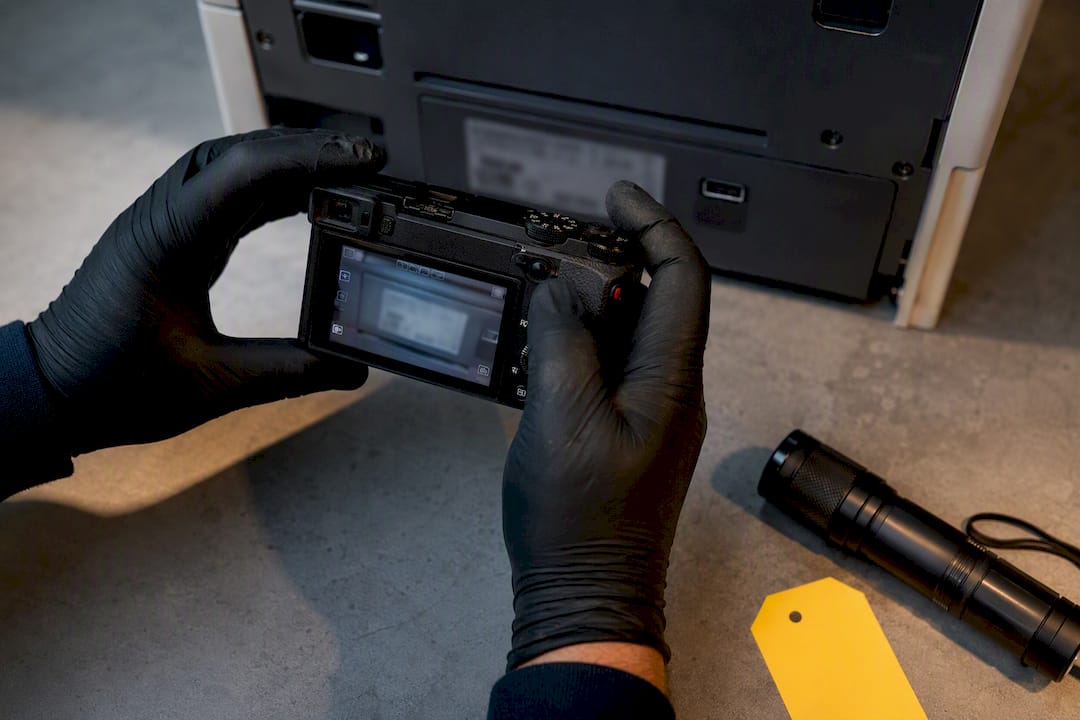
Pro Tip: Photograph the printer’s serial number and rating plate before it leaves the building. If a compliance question ever comes up, that single photo saves you from digging through old purchase records.
Where can you take or arrange collection for an old printer?
The National Television and Computer Recycling Scheme underpins most of Australia’s free e-waste pathways, and it targets 90% material recovery across participating recycling arrangements. Businesses that import or manufacture more than the set unit thresholds a year become liable parties under the scheme’s co-regulatory framework, which is exactly why councils and retailers host many free collection points.
Your practical options:
- TechCollect, the main NTCRS-affiliated program, accepts printers, scanners, and multifunction devices at drop-off points hosted by retailers and councils. Use the Recycle Mate database to find your nearest site, printers are listed among accepted items.
- Officeworks runs a retailer take-back scheme for eligible tech, though acceptance varies by store and by device type. Phone the store first, especially for larger multifunction units, since some outlets won’t take oversized commercial printers.
- Council resource recovery centres and periodic e-waste events take printers too, but many cap the number of items per visit or charge a small fee once you exceed household quantities.
- Booked professional collection suits offices retiring several units at once. Reputable operators supply a transfer note or manifest confirming where the equipment went.
For a single printer, free drop-off wins on cost every time. Once you’re clearing a floor’s worth of equipment, a scheduled collection saves considerably more staff time than multiple car trips to a recovery centre.
Should you donate, refurbish, or recycle your old printer?
Recycling should be the last resort, not the first instinct. A working printer that gets refurbished or donated delivers more environmental and economic value than one sent straight to a shredder, provided the data has already been properly wiped.
Before you box it up for donation:
- Confirm it still works reliably, print a test page, check the scanner and any network functions, not just the power button.
- Wipe it fully first, following the same steps as above, regardless of who’s receiving it.
- Check firmware and age, a printer over six or seven years old may lack security updates that make it viable for another workplace.
- Vet the recipient, a local charity, school, or community organisation is generally safer than an unknown online buyer, since you can follow up if something goes wrong.
Recycling remains the right call for broken units, printers with degraded internal batteries, or anything with a safety fault like a damaged power supply. In those cases, skip donation entirely and route the device straight to a TechCollect point or council e-waste collection.
When do you need certified ITAD instead of a drop-off?
Drop-off points work well for one or two printers. They don’t work for a 40-unit office refresh, leased equipment with contractual return conditions, or any device that’s touched regulated or client data. That’s where certified IT asset disposition earns its cost.
A proper ITAD provider will typically supply:
- Data destruction to NIST 800-88 standards, plus a serialised Certificate of Destruction for every device.
- Chain-of-custody documentation tying each serial number to its destruction record, which matters most for audit or insurance purposes.
- Asset-level reporting, useful for sustainability disclosures or internal compliance sign-off.
This matters more than most managers assume. Some state e-waste rules, Western Australia’s 2024 e-waste regulations%20Regulations%202024%20-%20%5B00-00-00%5D.pdf?OpenElement=) among them, prohibit sending regulated e-waste to landfill and carry penalties for landfill operators and businesses that get it wrong. Pair that with AS 5377 handling standards for used electronic equipment, and it’s clear why larger refreshes call for a professional service rather than a DIY approach. Before booking, ask for a written checklist: destruction method, certificate format, and turnaround time.
How Melbourne City Rubbish handles office printer and e-waste removal
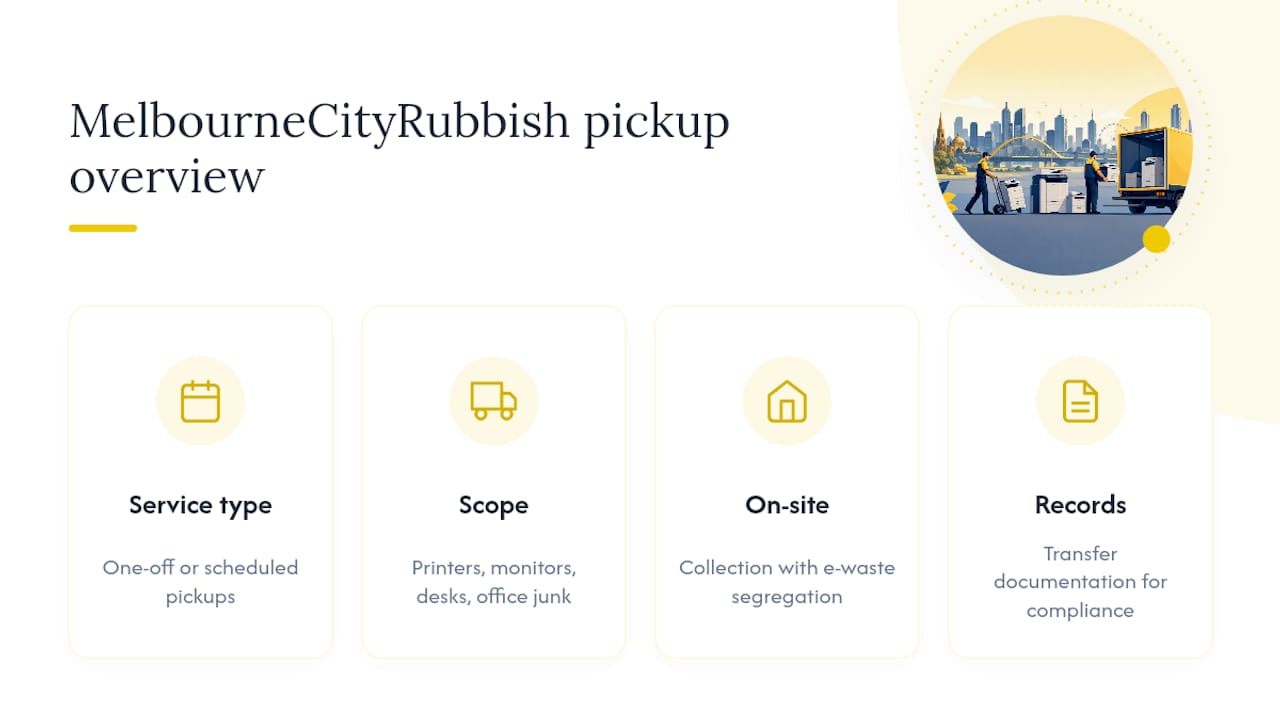
If you’d rather not coordinate drop-off runs, staff time, and paperwork chasing across three different agencies, that’s exactly the gap a booked collection service fills. Melbournecityrubbish collects office e-waste alongside general office junk, so a printer refresh, old monitors, and the desks they sat on can leave the building in one visit, instead of three separate trips. Jobs can run as a one-off clearance or a scheduled pickup, with disposal options suitable for offices tracking sustainability commitments.
You get on-site collection, segregation of e-waste from general waste, and related transfer documentation for your records. It’s a straightforward way to clear a floor of old printers without becoming your own logistics manager for the week. Request a quick quote or check the office junk removal page to confirm timing and data handling before your next equipment refresh.
Where to check drop-off points and disposal rules
Start with the Department of Climate Change, Energy, the Environment and Water’s recycling drop-off guidance for the Recycle Mate locator and NTCRS collection points. TechCollect’s participating sites list printers and peripherals among accepted items. For legal obligations in your state, check current e-waste regulations before assuming landfill is ever an option.
Sources
- National Television and Computer Recycling Scheme (summary) — EcoActiv
- What is IT asset disposal in Australia? — 9R Cycle IT